Before a record is created
Confirm extracted or imported details against the source.

Explore the handoffs that matter: what comes into the case, what you review, and how that information supports the next task.
“Show me how this assignment moves through CaseCore.”
Interactive workflow walkthrough · choose a stage belowSelect a stage to see the working context change.
Confirm the client, assignment, scope and next action before opening the case.
Demonstration case: Harbor Point property review · HP-2048.A CLEAR START FOR EVERY CASE
Capture the client’s request and supporting information.
Confirm what the agency is being asked to do.
Carry the approved work into its case workspace.
Use the case context for assignments, people, field entries and follow-up.
Demonstration case: Harbor Point property review · HP-2048.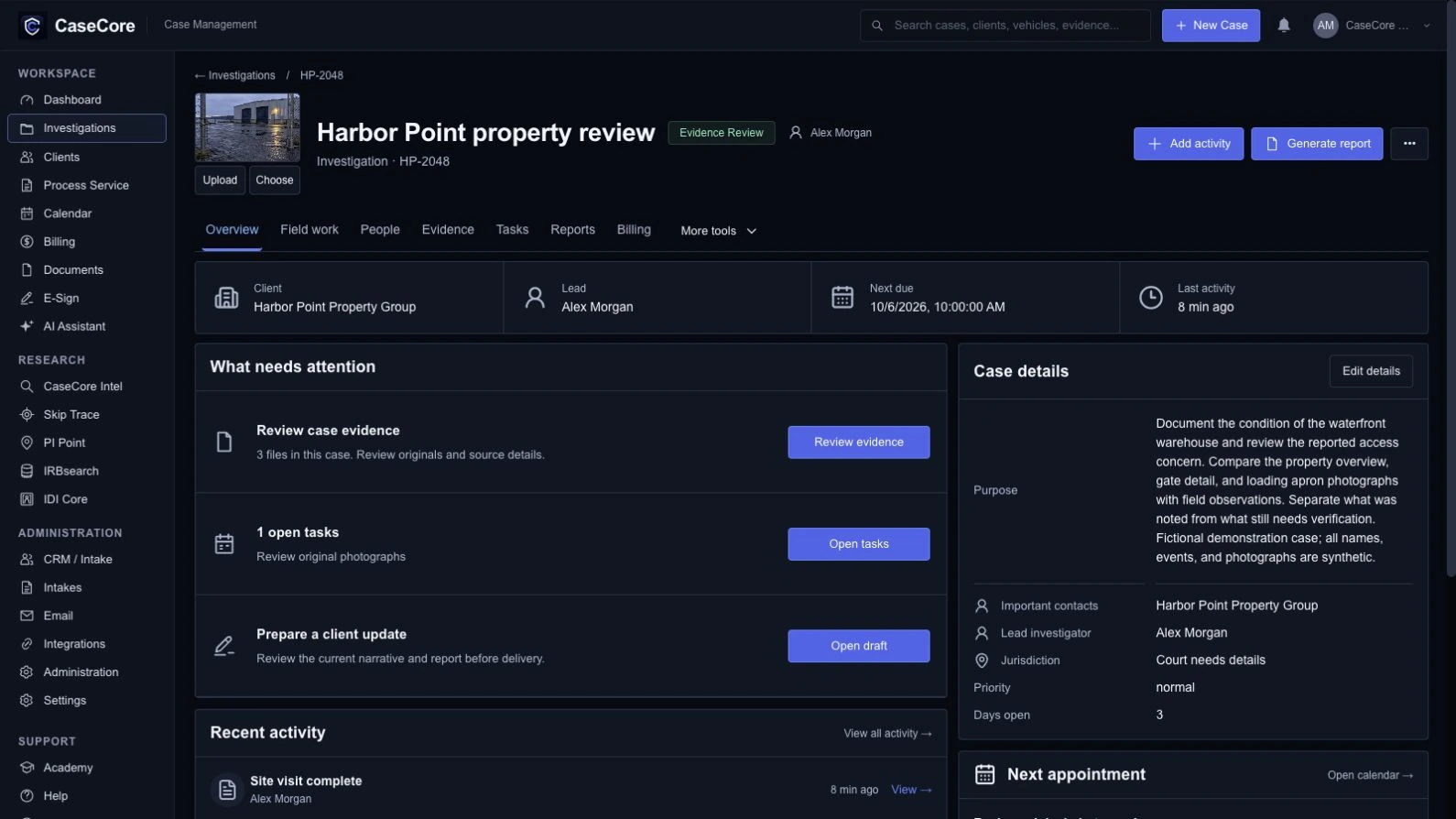
Keep original files and their recorded details connected to the case.
Demonstration case: Harbor Point property review · HP-2048.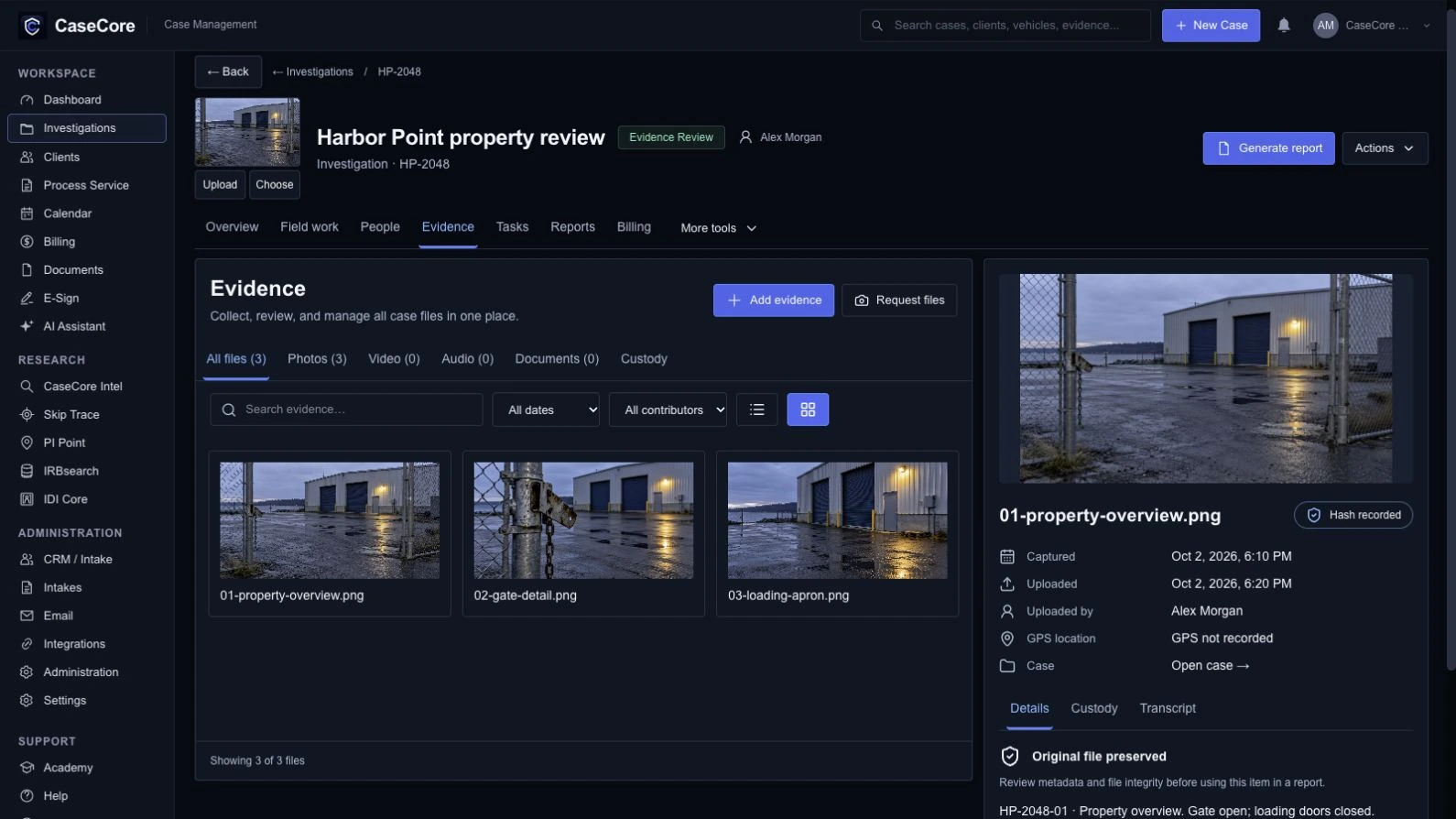
Bring the case material into an agency-branded draft. Review it before finalization.
Demonstration case: Harbor Point property review · HP-2048.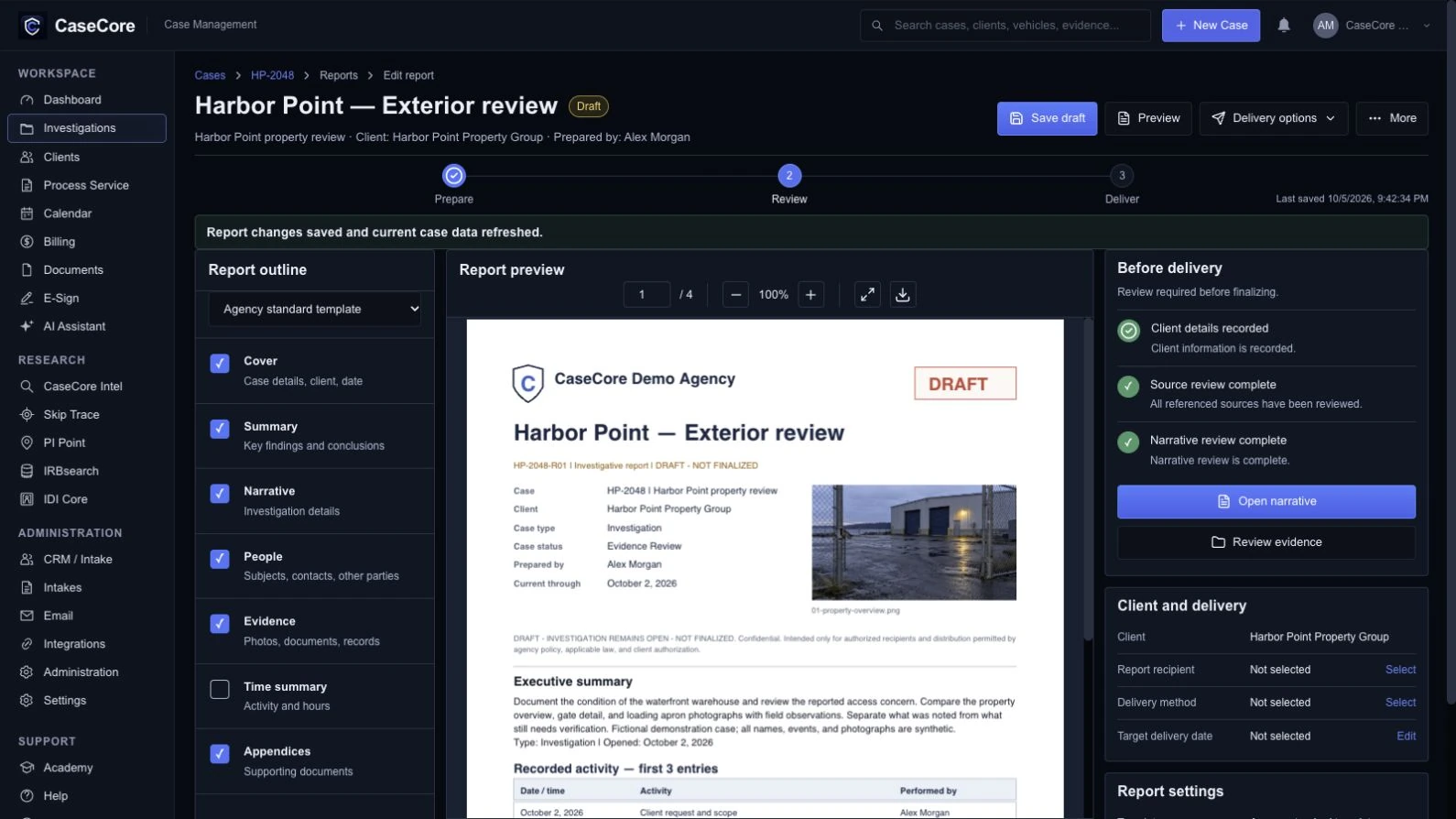
Check time, expenses, pricing and retainer records before preparing the invoice.
Demonstration case: Harbor Point property review · HP-2048.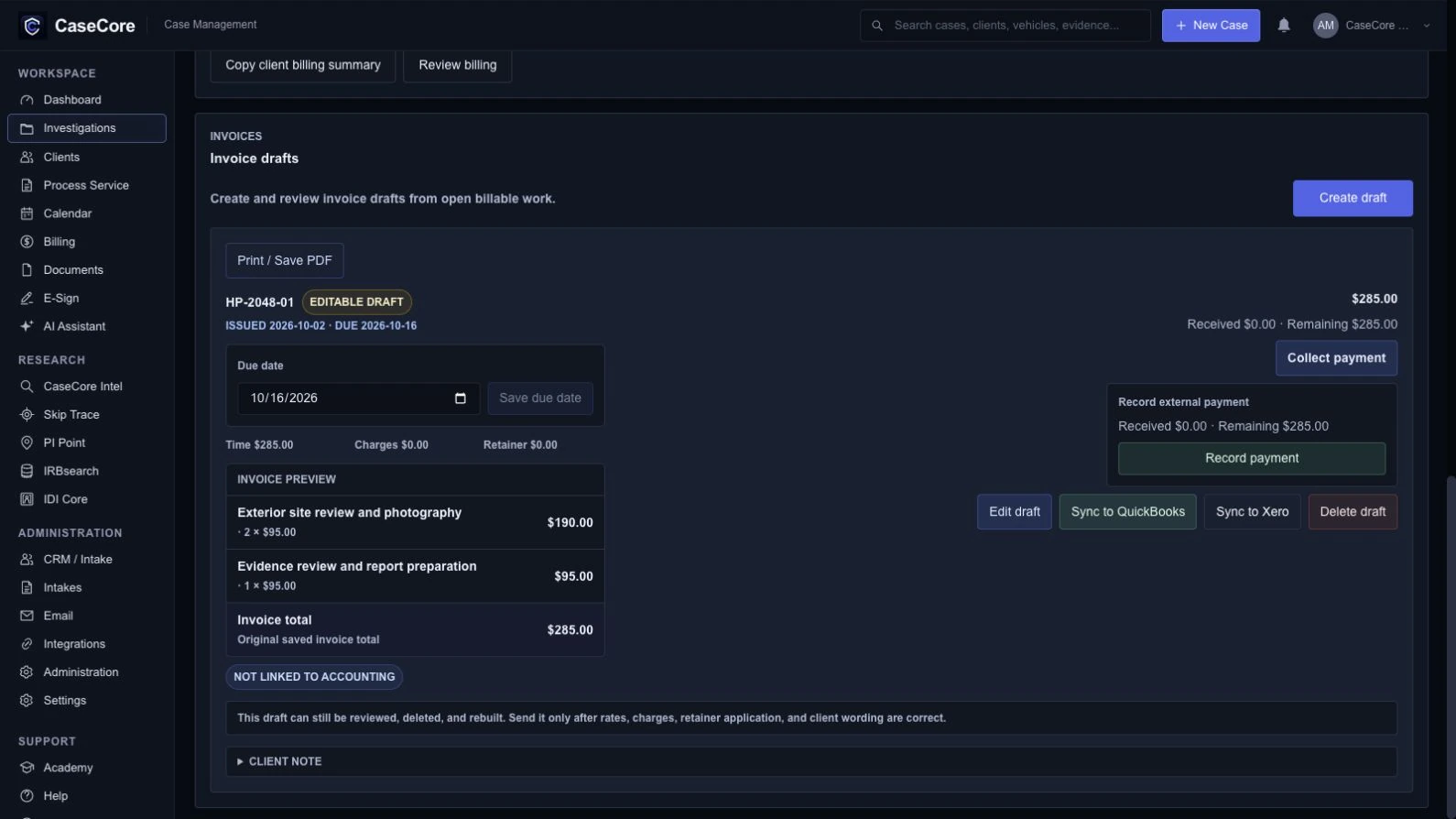
Connected does not mean unreviewed.
Confirm extracted or imported details against the source.
Review the facts, source material and intended recipient.
Review the recorded work, applicable rates and billing scope.
We’ll show where it fits—and discuss the parts that need setup.